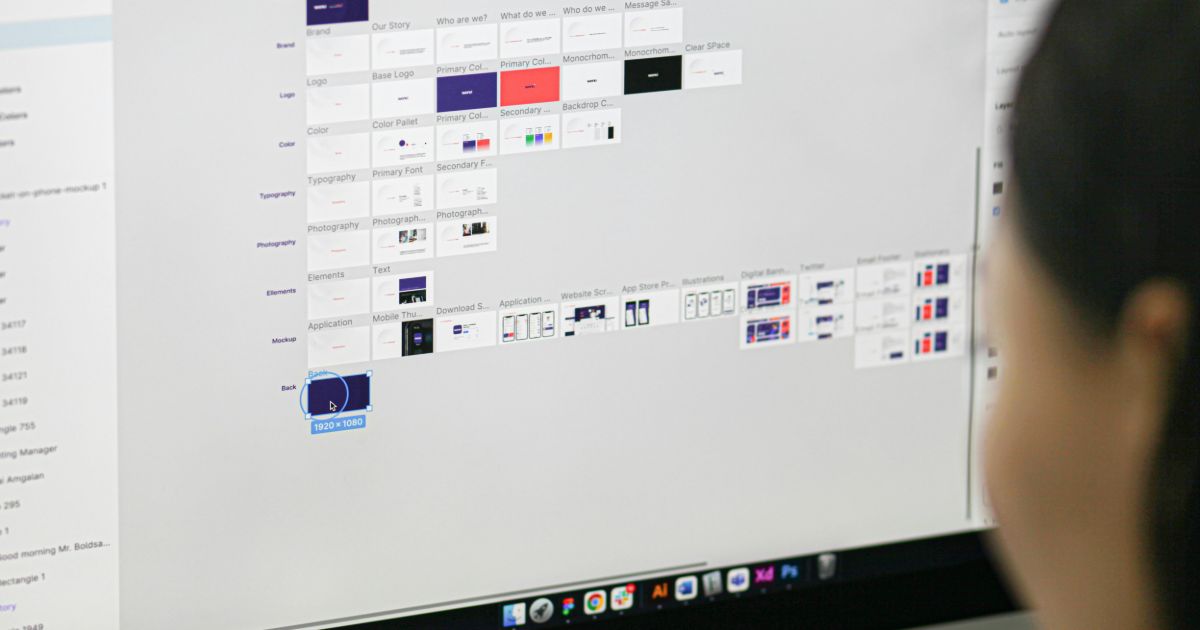
Photo by Budka Damdinsuren on Unsplash
AI-Driven DesignOps Automation: From Figma Branch to Production Code
Topics in this article:
The modern product team moves at breakneck speed, yet design hand-off remains a traffic jam of redlines, Slack threads, and “final-final-v6.fig” files. AI-driven DesignOps automation flips that script: every Figma branch becomes a living pipeline—linted, tested, and compiled into deploy-ready code before lunch. In this deep dive, we’ll map the tech, the process, and the guardrails that turn manual hand-offs into launch-on-merge magic.
What Is AI-Driven DesignOps Automation?
Think of it as continuous integration for design systems:
- Design-to-Code Engines generate React / Vue / Swift UI from Figma layers.
- Token Pipelines keep color, type, and spacing in sync across codebases.
- AI Linting & Accessibility Bots flag contrast issues or rogue drop shadows before humans ever review.
- CI/CD Hooks run unit, a11y, and visual-regression tests on every pull request.
The result? A maintainable stack where designers commit ideas and the system does the grunt work.
The Blueprint Pipeline (AI-Driven DesignOps Automation in Action)
- Branch & Design – Designer spins a Figma branch and updates components.
- Token Sync – Tools like Specify convert updated design tokens to JSON/SCSS.
- AI Code Generation – Locofy or Anima converts annotated frames to clean React/Vue.
- Automated QA
- Lint: ESLint + Stylelint check generated files.
- A11y: Axe-CI audits semantic markup and contrast.
- Visual Regression: Storybook + Chromatic diff screenshots.
- Preview Environment – Netlify or Vercel spins up a live link for review.
- Human Approval – Devs skim code, designers check visuals, PM signs off.
- Merge & Deploy – GitHub Actions pushes to main; downstream pipelines compile, package, and ship.
Tool Stack for a Long-Haul Workflow
| Layer | Durable Tool Picks | Why They Last |
|---|---|---|
| Design & Branching | Figma + Branching | Robust API, thriving plugin scene |
| Token Management | Specify, Style Dictionary | Open JSON/YAML exports |
| Code Gen | Locofy, Anima | Produces readable, editable code |
| CI/CD & Tests | GitHub Actions, Jest, Chromatic | Integrates with any repo |
| Accessibility | Axe-core, Pa11y CI | Standards-aligned audits |
| Docs & Storybook | Storybook, ZeroHeight | Keeps dev & design in sync |
Guardrails: Automation Without “Robot Garbage”
- Quality Gates – Block merges if lint, unit, or a11y tests fail.
- Semantic Versioning – Auto-bump packages; changelogs generated from PR titles.
- Human Review Checkpoints – Require at least one designer + one engineer approval.
- Rollback Scripts – Git tags + blue/green deploys let you revert instantly.
- Security & Privacy Audits – Static analysis scans injected AI code for vulnerabilities.
ROI Metrics Worth Reporting to Leadership
| Metric | Pre-Automation | Post-Automation |
|---|---|---|
| Design-to-Dev Cycle Time | 5–7 days | < 24 hours |
| Design-Dev Mismatch Bugs | 12 / release | 3 / release |
| A11y Violations Found in QA | 18 | ≤ 5 (caught earlier) |
| Dev Hours Spent on Hand-off | 40 / sprint | 10 / sprint |
Teams adopting AI-driven DesignOps automation often reclaim an entire sprint each quarter—time that can fund new features instead of re-coding screens.
Let the Bots Do the Busywork
Manual hand-off is yesterday’s bottleneck. By wiring up AI-driven DesignOps automation, you transform Figma branches into self-validating, production-ready code—complete with tokens, tests, and docs. Designers keep designing, developers stay in flow, and users see polished features faster.
The runway is clear. Let the robots taxi your pixels straight to production.

Get a love note
Get the latest UX insights, research, and industry news delivered to your inbox.


advertisement