
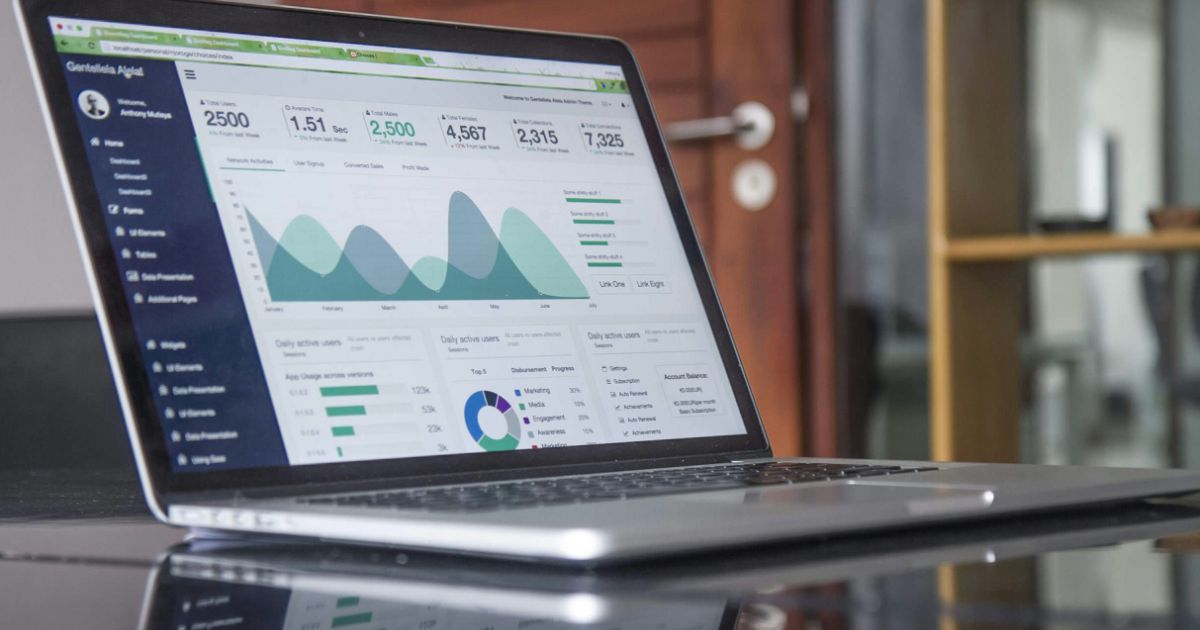
Photo by Salvador Godoy on Unsplash
Personalization vs. Accessibility: Balancing Tailored Experiences with Inclusive Design
Topics in this article:
Imagine crafting a suit tailored perfectly to one person—but then realizing it won’t fit anyone else. That’s the challenge UX designers face balancing personalization vs. accessibility.
Personalization promises relevance and engagement by adapting experiences to individual preferences. Accessibility demands that products work for everyone, regardless of ability or circumstance.
In this article, we explore how to find the sweet spot where personalization enhances the experience without compromising accessibility or excluding users.
Understanding the tension between personalization and accessibility
Personalization customizes interfaces, content, and features based on user data—think dynamic recommendations, adjustable layouts, or tailored notifications.
Accessibility focuses on universal design principles, ensuring users with disabilities or different needs can perceive, understand, and operate the product.
The tension arises when personalized elements:
- Reduce predictability or consistency needed for assistive tech
- Use formats or interactions incompatible with accessibility guidelines
- Hide or alter content in ways that exclude some users
How personalization can challenge accessibility
Examples of personalization conflicting with accessibility include:
- Auto-playing videos or sounds triggered by user profiles that overwhelm sensory-sensitive users
- Complex animations or interactions customized for engagement but cause cognitive overload
- Color schemes or contrast changes that reduce legibility for some users
- Personalized layouts that break keyboard navigation order or screen reader flow
Strategies to balance personalization with accessibility
- Offer personalization as an opt-in feature, allowing users to choose their experience
- Maintain consistent navigation and structure, even when content or presentation varies
- Design accessible default settings before personalization kicks in
- Test personalized experiences with diverse users and assistive technologies
- Provide user controls to adjust or disable personalized effects, like animations or sounds
Tools and resources to support inclusive personalization
- Accessibility auditing tools that evaluate personalized content (e.g., axe-core with dynamic testing)
- User research methods that include diverse participant profiles
- Guidelines from WCAG and inclusive design frameworks tailored for personalization scenarios
Personalization and accessibility are partners, not opponents
Balancing personalization vs accessibility is a delicate but essential task. Thoughtful design ensures personalization enhances rather than excludes, making digital experiences richer for every user.
By embedding accessibility into personalization strategies, UX professionals create products that truly resonate—tailored to individuals, yet open to all.

Get a love note
Get the latest UX insights, research, and industry news delivered to your inbox.



advertisement